Comfort.
In your hands.
Find a remote that feels right for your TV.
From everyday controls to easy-to-read buttons,
bring a little simplicity to every day.
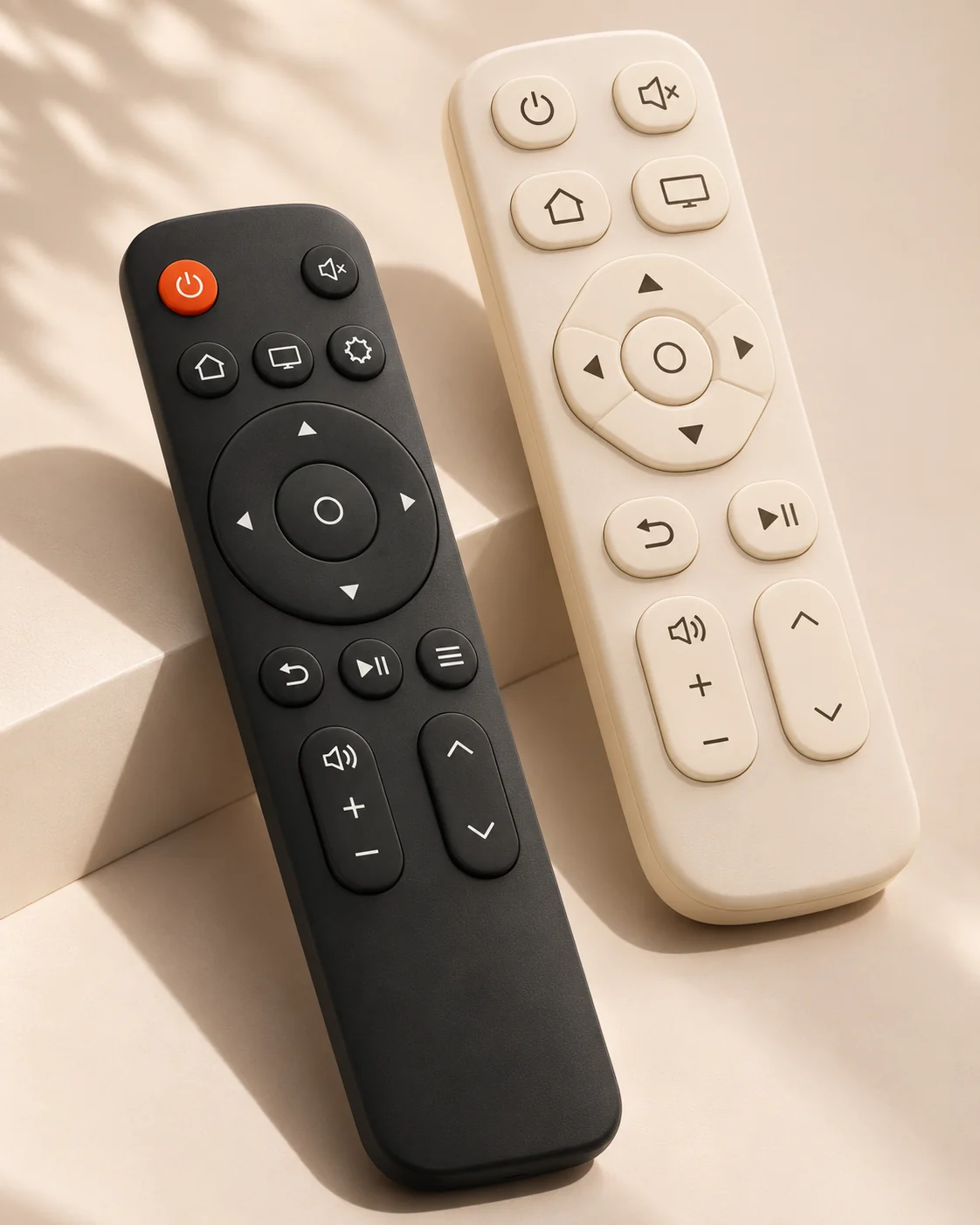
THE COLLECTION
Your habits. Your remote.
Start with how you use your TV, then check the model.
These illustrative ranges are a guide; specifications and availability need confirmation.
No styles match your search
Try “infrared”, “large buttons” or “voice”, or clear the filters.
FIND YOUR EVERYDAY COMPANION
Find your fit.
In three simple steps.
Similar looks do not guarantee compatibility.
Note your TV brand, full model number and preferences,
then check the connection type and features.
or in Settings → About.
SMALL DETAILS. REAL COMFORT.
It is the little
things that matter.
The controls you use most should feel easy to reach. Clear buttons, a comfortable grip and a familiar layout can make a real difference to everyday viewing.
Clear buttons. Simple choices.
Look at button size, spacing and the position of everyday controls.
The features that fit your TV
Choose infrared, Bluetooth and voice options around what your TV supports.
Check the details before you choose
Keep your TV model and original remote model together.
A LITTLE HELP
A few questions.
Clearer answers.
From compatibility to everyday care,
here are a few helpful starting points.
Will a remote that looks the same work with my TV?
Appearance alone cannot confirm compatibility. Check the full TV model, the original remote model, the connection type and the features you need. Even TVs from the same brand may use different remote protocols.
What is the difference between infrared and Bluetooth?
Infrared remotes generally need a clear path to the TV receiver. Bluetooth remotes usually need pairing with a compatible TV. Voice control and other features depend on the TV system and the specific remote. Follow the instructions for your equipment.
What should I look for in a remote for an older family member?
Consider clear labels, larger buttons and a simple layout for common controls. Confirm that power, volume and channel buttons work with the TV. If possible, try the remote together to check the grip and button pressure.
What should I check if the remote does not respond?
Check the battery charge and polarity, make sure the TV has power, and clear any obstruction in front of the infrared receiver. For a Bluetooth remote, check its pairing status. Use the pairing instructions for the exact model.
Can I place an order on this website?
This site introduces remote styles and helps you prepare an enquiry. Images are illustrative, and online checkout is not available. Add styles to your shortlist, enter your TV model, then copy or download your requirements for the seller to confirm products, pricing and compatibility.
READY FOR THE NEXT CLICK?
A better next click.
Start with the right fit.
Bring your requirements together and make everyday control a little easier.